
What a 3D Intraoral Scan (STL File) Shows — and How to Analyze It
Understand the STL file your dentist's 3D intraoral scanner produces: what a surface scan can and cannot show, how to upload and view it in 3D, and how an AI consortium reads tooth position, spacing, and bite — privately in your browser.
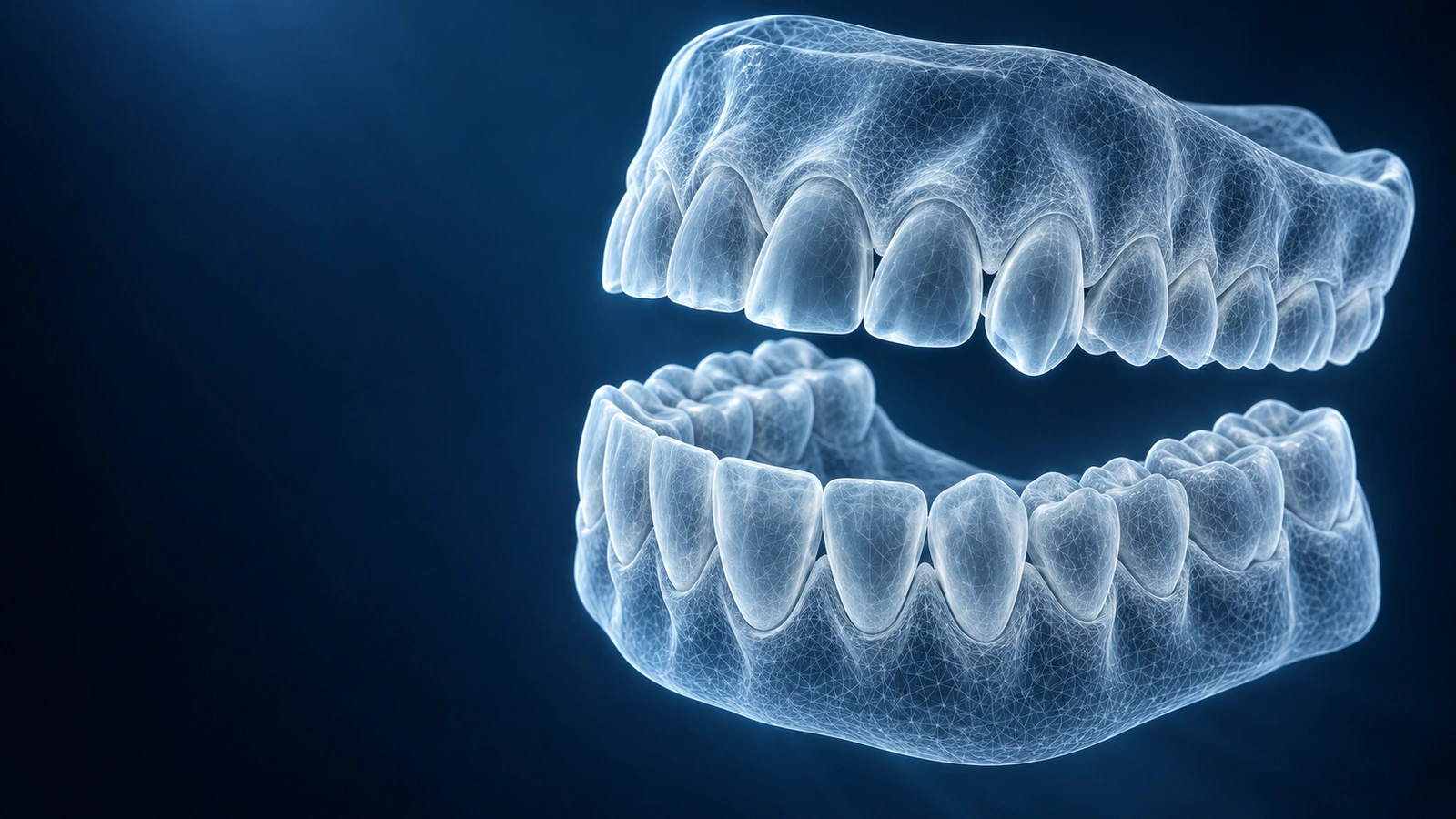
An STL file is the 3D model a digital intraoral scanner creates when it scans your teeth. Instead of a putty impression, the scanner builds a triangle mesh of the visible surfaces of the teeth and gums. It is the same file orthodontists and labs use to plan aligners, crowns, and retainers. A scan is usually exported as one STL per arch — an upper jaw and a lower jaw file.
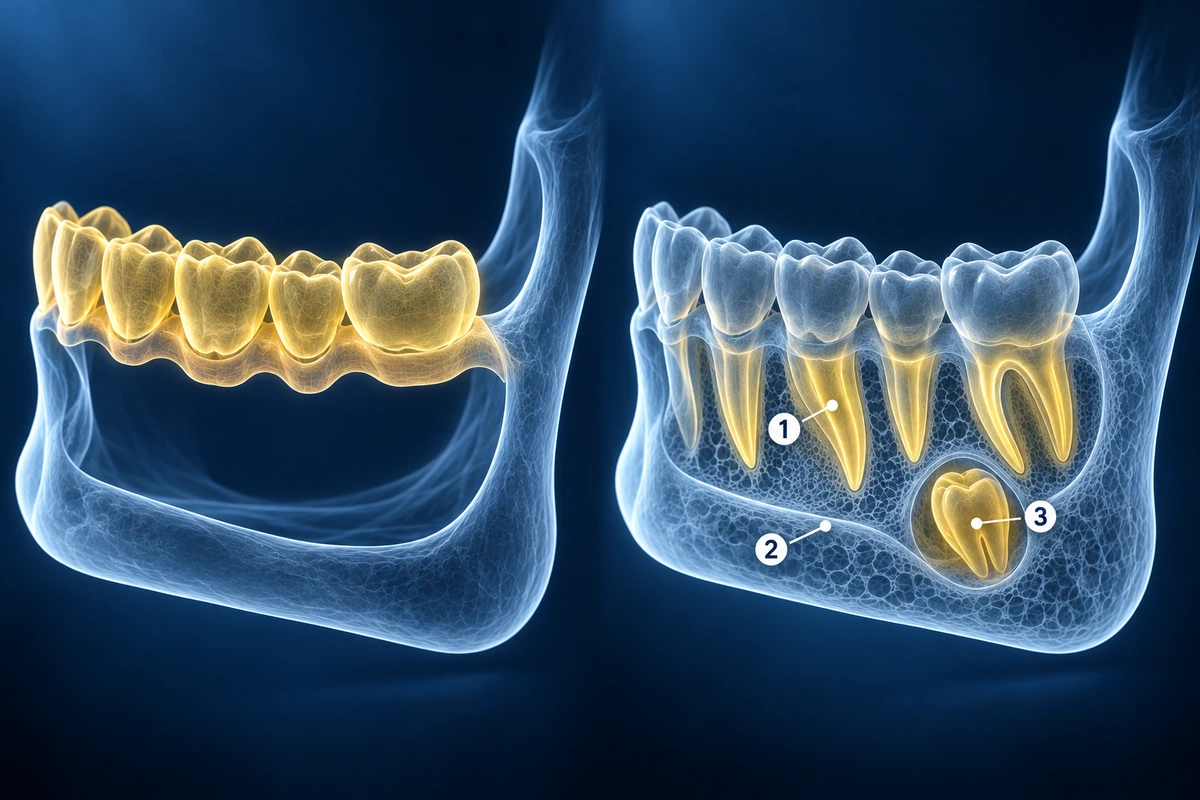
STL stores geometry only — shape, not color. There is no information about the inside of a tooth, the roots, the bone, or developing teeth. That makes a surface scan excellent for some questions and silent on others, which is the most important thing to understand before reading one.
What a surface scan shows well
- Tooth position, crowding, and spacing — measured in true millimetres
- Bite signs: crossbite, open bite, deep bite, overjet, and midline shift
- Arch shape, width, and left-right symmetry
- Tooth wear, chips, and surface anomalies; visible crowns and restorations
- Whether the teeth are primary (baby), mixed, or permanent
What it cannot show
A surface scan cannot see caries between teeth, root or bone health, or developing permanent teeth, and it cannot establish skeletal jaw width. Those need a panoramic X-ray or a CBCT. This matters most for children: a scan can show a crossbite, but not whether jaw expansion is truly needed. If you have been told your child needs plates, the parent’s second-opinion guide walks through the questions to ask.
Analyze your 3D dental scan
Upload the STL files, see them rendered in 3D, and get a structured, multi-model description with questions for your dentist. Private, in your browser, not a diagnosis.
Analyze a Dental ScanKey Takeaways
- An STL is a 3D surface mesh of the teeth — geometry only, no color or internals
- It reads bite, spacing, and arch form well, in true millimetres
- It cannot show roots, bone, caries, or developing teeth — those need radiographs
- Files are parsed in your browser and never uploaded as raw geometry
Frequently Asked Questions
How do I get the STL file from my dentist?
Ask the practice to export your intraoral scan as STL. It is your record. Most scanners produce one STL per arch; both the upper and lower jaw files together let the analyzer show the bite.
Is the STL in color?
Standard STL files contain no color — only shape. Some scanners can additionally export a colored PLY or photo set. The analysis works from shape, so color is not required.
Does my scan get uploaded to a server?
The raw STL geometry stays in your browser. Only rendered images and text needed for AI analysis are sent, in line with how the rest of the platform handles your data.
Ready to analyze your imaging? Upload your MRI or X-ray for AI-powered analysis
Upload your MRI or X-ray DICOM files for private, AI-powered analysis. 4 models analyze independently — raw scan files stay in your browser.
Start AnalysisMedical Disclaimer: This page is for informational and educational purposes only. It does not constitute medical advice, diagnosis, or treatment. AI-generated analysis may contain errors. Always consult a qualified healthcare professional for medical decisions. Full Disclaimer