
How to Open a Sirona GALILEOS CBCT Folder
GALILEOS CBCT data lives in a specific folder layout. View it in your browser without SIDEXIS or Romexis. Step-by-step.
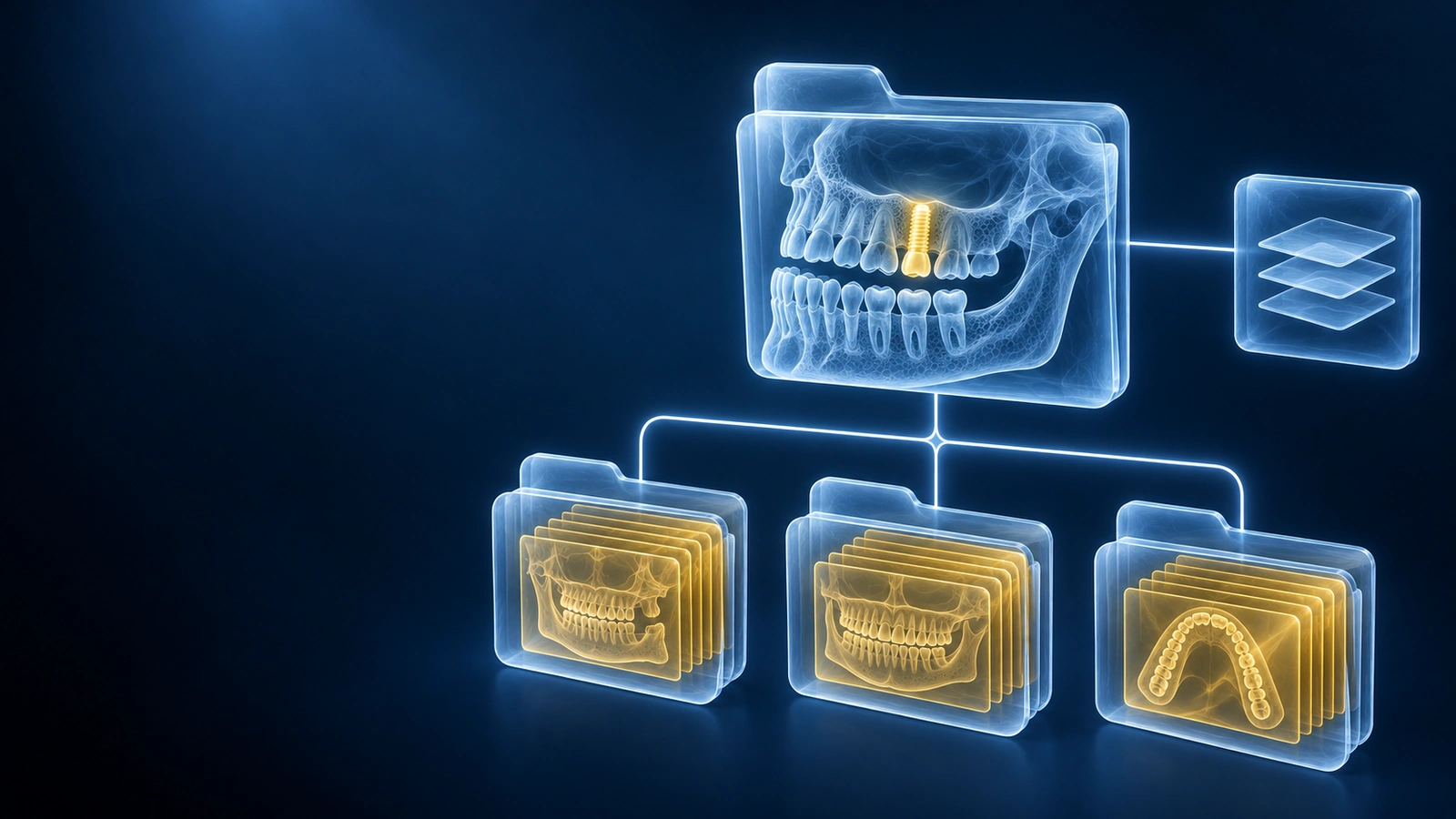
The Sirona GALILEOS is a dedicated dental CBCT unit that produces a GALAXIS-based folder structure rather than a simple flat DICOM directory. Clinics using the GALILEOS scanner often give patients a CD or USB stick containing a GALAXIS folder with proprietary .gld index files alongside DICOM image data. Because the GALILEOS layout differs from generic DICOM exports, patients frequently find that standard disc viewers skip their files or show an empty study. For a general guide covering all dental scanners, see How to Open a Dental CBCT File.
GALILEOS folder layout
A typical GALILEOS patient disc contains a GALAXIS root folder at the top level. Inside that folder you will find one or more .gld files — these are GALILEOS dataset index files that reference the underlying volume. The actual image data lives in a subfolder alongside the .gld index, usually structured as numbered directories containing per-slice DICOM files. Some GALILEOS exports also include a PREVIEW subfolder with low-resolution JPEG snapshots and a CD_Viewer.exe Windows launcher at the disc root. The critical files for any DICOM viewer are the DICOM image data directories, not the .gld index files.
What to drag into the viewer
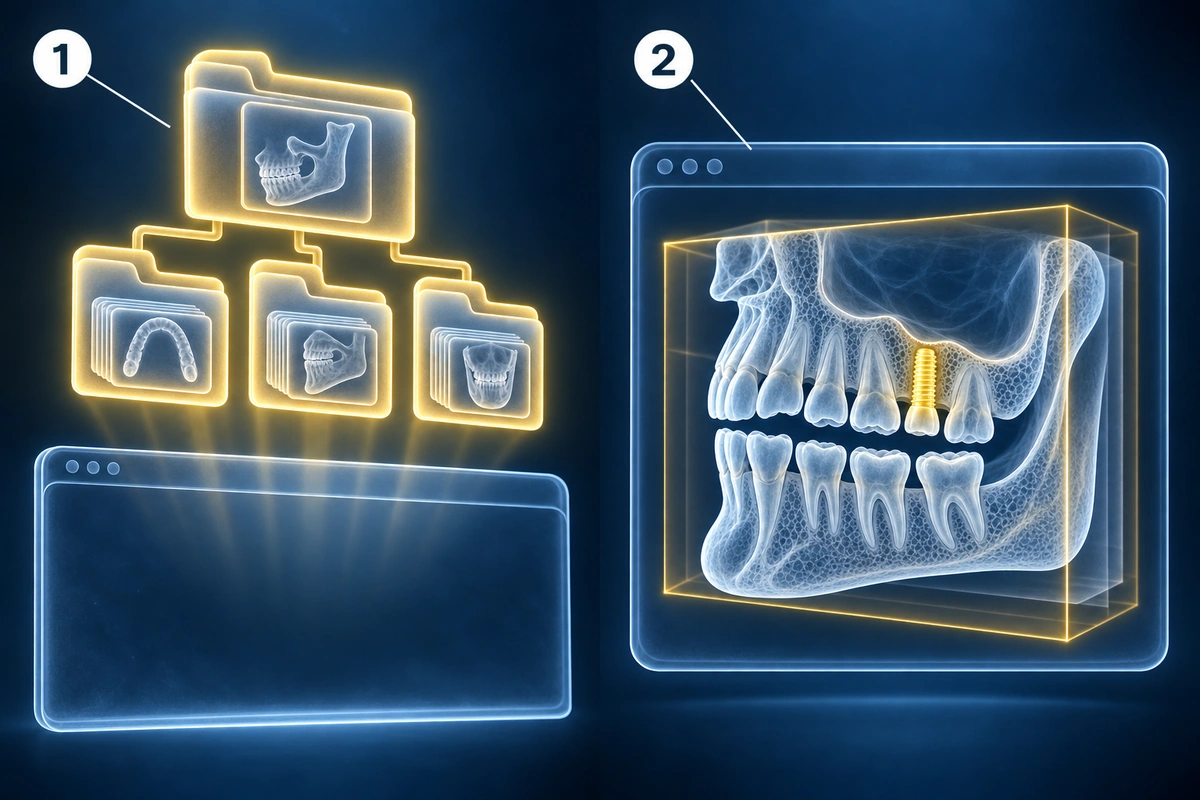
Drop the GALAXIS folder — the top-level folder on the GALILEOS disc — directly onto our browser viewer. Our viewer walks the GALILEOS folder tree, locates the DICOM image data inside the GALAXIS structure, and loads the volume automatically. You do not need to navigate into subfolders or select individual files. The entire GALILEOS export, including .gld index files and all DICOM slices, is processed inside your browser tab. Nothing is uploaded to any server.
GALILEOS Viewer alternative
Sirona's official software for viewing GALILEOS data is SIDEXIS, a dental practice management and imaging suite. Dentsply Sirona also supports Romexis, a Planmeca imaging platform, for GALILEOS dataset access in some regions. Both SIDEXIS and Romexis are Windows-only applications that require installation, licence activation, and in some cases a network connection to a GALILEOS acquisition server. For a patient who simply wants to view their GALILEOS scan on their own Mac, iPhone, or Android device, neither SIDEXIS nor Romexis is a practical solution. Our browser viewer reads the underlying GALILEOS DICOM data without requiring either application to be installed.
Compatibility with Romexis and SIDEXIS
Our viewer does not emulate SIDEXIS or Romexis — it reads the DICOM image data that the GALILEOS scanner writes into the GALAXIS folder structure. Because GALILEOS ultimately stores its volumetric images as standard DICOM slices, any viewer that can navigate the GALAXIS folder tree and parse those DICOM files can display the scan. If your clinic provided a GALILEOS disc and you cannot open it, try dropping the entire GALAXIS folder into the viewer. If the scan still does not load, check the supported formats list for additional guidance on folder layouts our viewer handles.
Key Takeaways
- GALILEOS exports use a GALAXIS folder layout with .gld index files alongside DICOM image data — drop the entire GALAXIS folder into the viewer, not individual files
- SIDEXIS and Romexis are the vendor's official GALILEOS viewers but are Windows-only and require installation; a browser viewer works on any platform without setup
- Our viewer walks the GALILEOS GALAXIS folder tree automatically — no manual file selection or subfolder navigation is required
- All GALILEOS scan data is processed inside your browser tab and never uploaded to any server
Frequently Asked Questions
Does GALILEOS export standard DICOM?
Yes. The GALILEOS scanner writes standard DICOM slices inside the GALAXIS folder structure. The .gld files are a GALILEOS-specific index layer on top of those DICOM files, not a replacement for them. This means any viewer that can navigate the GALAXIS folder tree and read DICOM files — including our browser viewer — can open the scan without conversion.
Where is the data on my GALILEOS CD?
Look for the GALAXIS folder in the root of the disc. Inside it you will find the .gld index file and one or more numbered subfolders containing the DICOM slice files. There may also be a PREVIEW folder with JPEG thumbnails and a CD_Viewer.exe launcher at the disc root — these are supplemental and are not the diagnostic images. Drop the GALAXIS folder into our viewer to load the full GALILEOS dataset.
Can I use this without SIDEXIS installed?
Yes. Our browser viewer reads the GALILEOS DICOM data directly from the GALAXIS folder structure without relying on SIDEXIS or any other Sirona software. You do not need to install SIDEXIS, Romexis, or any desktop application. Open the viewer page in your browser and drop the GALAXIS folder onto it.
Related Articles
Stuck with a dental CBCT CD or USB you can't open? Step-by-step guide for Mac, Windows, iPhone, and Android. No software install. Covers every major dental scanner.
Learn how to understand dental CBCT views, slices, MPR planes, tooth roots, jawbone, sinuses, mandibular canal, and common report terms.
Related Conditions
Ready to analyze your imaging? Upload your MRI or X-ray for AI-powered analysis
Upload your MRI or X-ray DICOM files for private, AI-powered analysis. 4 models analyze independently — raw scan files stay in your browser.
Start AnalysisMedical Disclaimer: This page is for informational and educational purposes only. It does not constitute medical advice, diagnosis, or treatment. AI-generated analysis may contain errors. Always consult a qualified healthcare professional for medical decisions. Full Disclaimer