
How to Open an i-CAT CBCT Scan
i-CAT exports JPEG Extended 12-bit DICOM. Our browser viewer decodes it without Tx STUDIO — full image quality preserved.
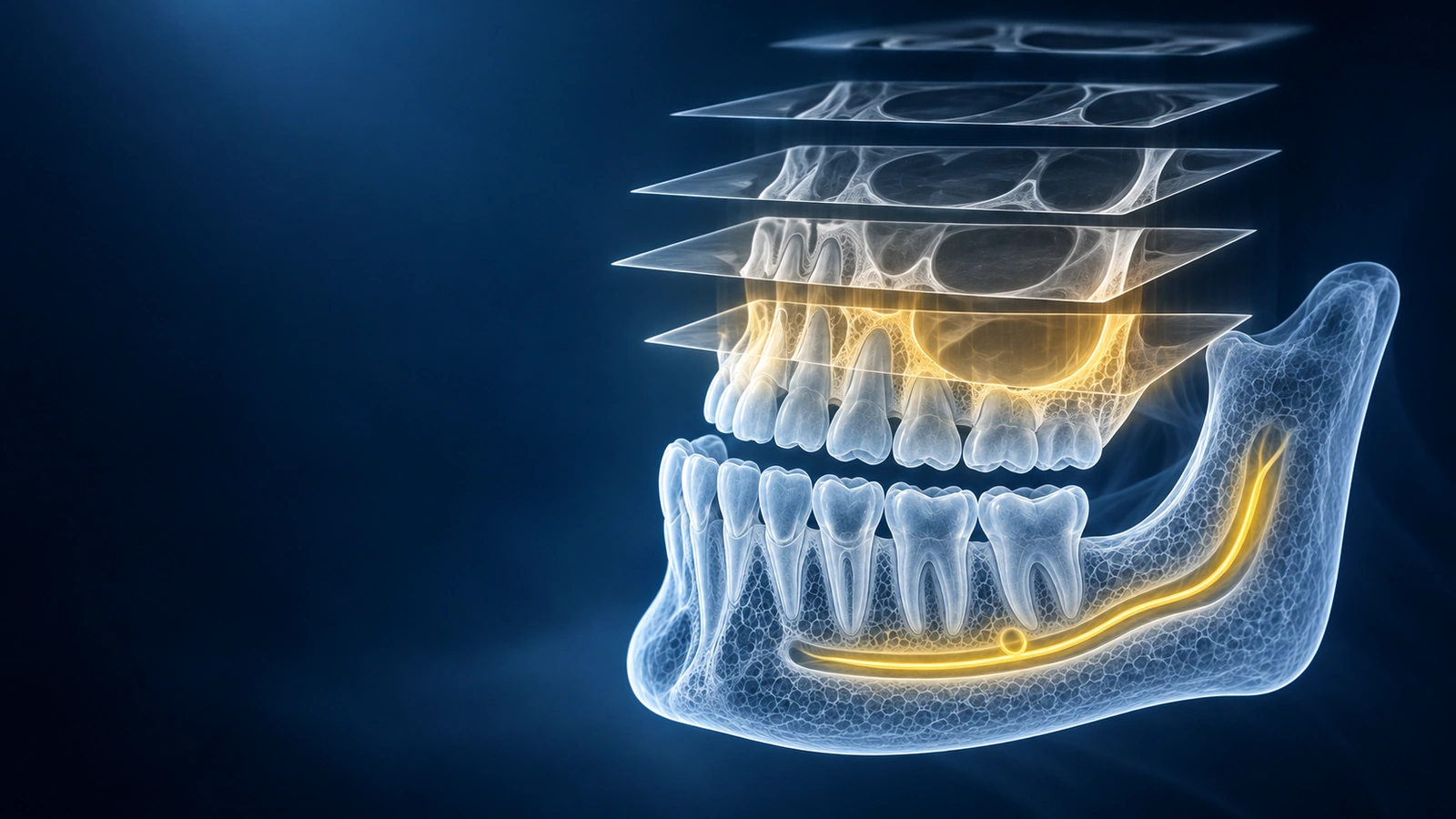
The i-CAT is one of the most widely deployed dental CBCT scanners globally, used by oral surgeons, orthodontists, and implant planning clinics. Unlike some dental CBCT units that produce proprietary containers, i-CAT exports standard DICOM — but with a twist: it uses JPEG Extended 12-bit transfer syntax, a lossless-compatible encoding that preserves full diagnostic bit depth. Many generic DICOM viewers omit JPEG Extended support, which causes i-CAT files to appear corrupted or blank. For a general guide covering all dental scanners, see How to Open a Dental CBCT File.
i-CAT outputs standard DICOM (with JPEG Extended 12-bit)
Every i-CAT scanner writes conformant DICOM files. Each axial slice is stored as an individual .dcm file with a DICOM preamble, patient metadata tags, and a pixel data element encoded using JPEG Extended 12-bit (transfer syntax 1.2.840.10008.1.2.4.51). This encoding retains the full 12-bit greyscale range the i-CAT sensor captures, which is essential for distinguishing cortical bone, trabecular bone, and soft tissue. Viewers that only implement the baseline 8-bit JPEG decoder will fail to display i-CAT files correctly — they will either show a blank image or throw a transfer syntax error.
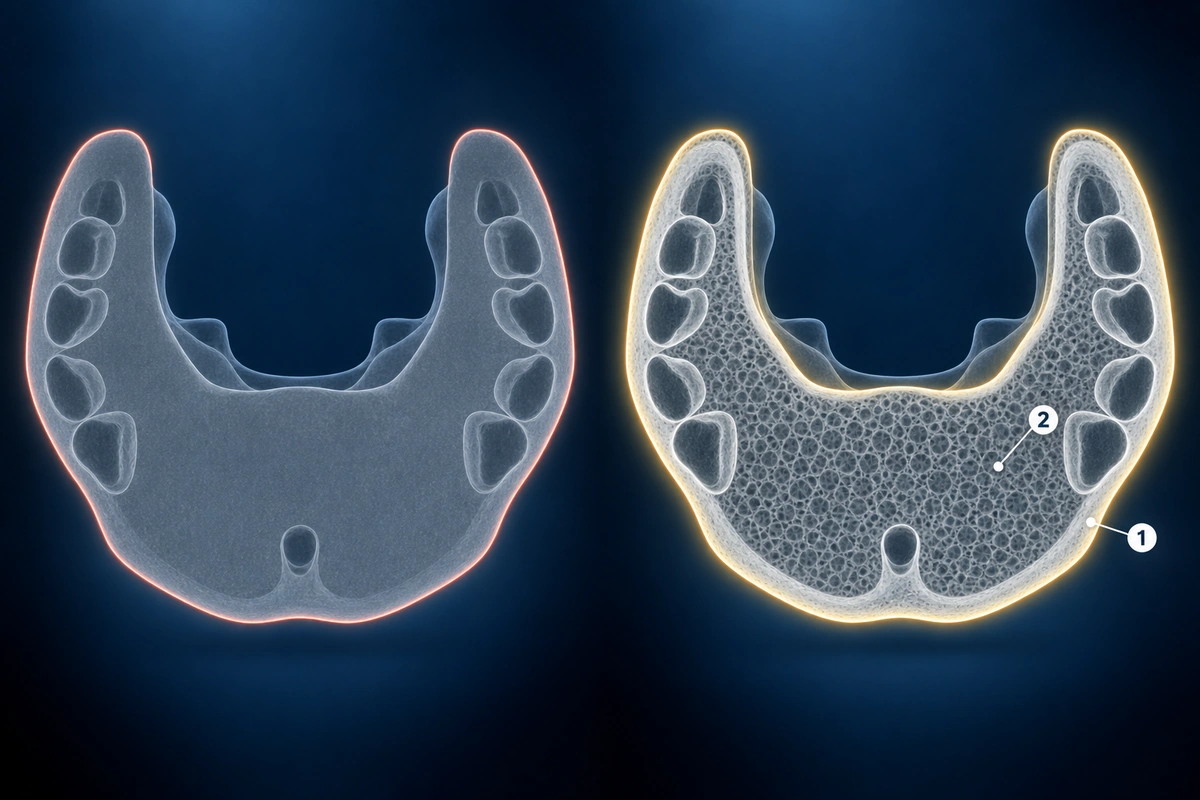
How to read the CD layout
A typical i-CAT patient CD has a DICOM folder in the root containing all per-slice .dcm files, usually numbered sequentially. You will often also find a DICOMDIR index file in the root that maps the study and series structure. Some i-CAT discs include a CD_Viewer.exe Windows launcher and a PREVIEW folder with low-resolution JPEG snapshots. The diagnostic data is entirely in the DICOM folder. Drop that folder — or the entire disc contents — onto our viewer and the i-CAT volume will load with full 12-bit fidelity inside your browser.
Tx STUDIO Viewer alternative
Envista Holdings (the company that sells i-CAT scanners) provides Tx STUDIO as the official i-CAT viewing and treatment-planning application. Tx STUDIO is a Windows-only desktop application that requires account registration and an active software licence. For a patient who wants to view their i-CAT scan on a Mac, iPhone, or Android device — or simply without installing software — Tx STUDIO is not a viable option. Our browser viewer decodes the i-CAT JPEG Extended 12-bit DICOM files natively, so you get the full i-CAT image quality without Tx STUDIO.
Image quality preserved when opening in the browser
Our viewer ships a full JPEG Extended 12-bit decoder, meaning it reads the i-CAT pixel data at the original bit depth the scanner recorded. No pixel values are clipped, rounded, or remapped to 8-bit during decoding. Once the volume is loaded in the browser, you can adjust the window and level settings exactly as you would in Tx STUDIO, inspect axial, coronal, and sagittal reconstructions, and measure bone dimensions — all with the same i-CAT image quality. If your i-CAT scan still does not load correctly, check the supported formats list for transfer syntaxes and container types our viewer supports.
Key Takeaways
- i-CAT exports standard DICOM using JPEG Extended 12-bit transfer syntax — viewers that only support 8-bit JPEG will display blank or corrupted images
- Drop the DICOM folder from the i-CAT disc into our browser viewer; the DICOMDIR index is optional but helpful for automatic series organisation
- Our viewer includes a full JPEG Extended 12-bit decoder that preserves i-CAT's native bit depth — no quality loss compared to Tx STUDIO
- Tx STUDIO is the vendor's official i-CAT viewer but is Windows-only and requires registration; the browser viewer works on any platform without setup
Frequently Asked Questions
What is JPEG Extended in i-CAT DICOM?
JPEG Extended (DICOM transfer syntax 1.2.840.10008.1.2.4.51) is a DICOM-defined JPEG variant that supports 12-bit greyscale encoding. i-CAT uses it to store the full bit depth its sensor captures without inflating file sizes to the levels that uncompressed DICOM would require. Because baseline JPEG only supports 8 bits per channel, viewers that do not implement the Extended variant cannot decode i-CAT pixel data correctly and show blank or noise-filled images instead.
Will I lose image quality opening i-CAT files in the browser?
No. Our viewer decodes the i-CAT JPEG Extended 12-bit pixel data at full bit depth. The greyscale values you see in the browser viewer are identical to what Tx STUDIO displays — no rounding, clipping, or 8-bit downsampling occurs during decoding. The on-screen display may look different depending on your monitor calibration and window settings, but the underlying pixel data is preserved.
Can I view this without Tx STUDIO?
Yes. Our browser viewer reads i-CAT JPEG Extended DICOM files directly without Tx STUDIO or any other Envista software. Open the viewer page in your browser, drop the DICOM folder from your i-CAT disc onto it, and your scan will load. Tx STUDIO is useful for clinical treatment planning workflows; for simply viewing your own scan, a browser viewer is faster to access and works on any platform.
Related Articles
Stuck with a dental CBCT CD or USB you can't open? Step-by-step guide for Mac, Windows, iPhone, and Android. No software install. Covers every major dental scanner.
Learn how to understand dental CBCT views, slices, MPR planes, tooth roots, jawbone, sinuses, mandibular canal, and common report terms.
Related Conditions
Ready to analyze your imaging? Upload your MRI or X-ray for AI-powered analysis
Upload your MRI or X-ray DICOM files for private, AI-powered analysis. 4 models analyze independently — raw scan files stay in your browser.
Start AnalysisMedical Disclaimer: This page is for informational and educational purposes only. It does not constitute medical advice, diagnosis, or treatment. AI-generated analysis may contain errors. Always consult a qualified healthcare professional for medical decisions. Full Disclaimer