
How to Open a OneVolume Export (CT_0.vol)
OneVolume produces a CT_0.vol file that standard DICOM viewers ignore. Drop the folder into our browser viewer — no conversion needed.
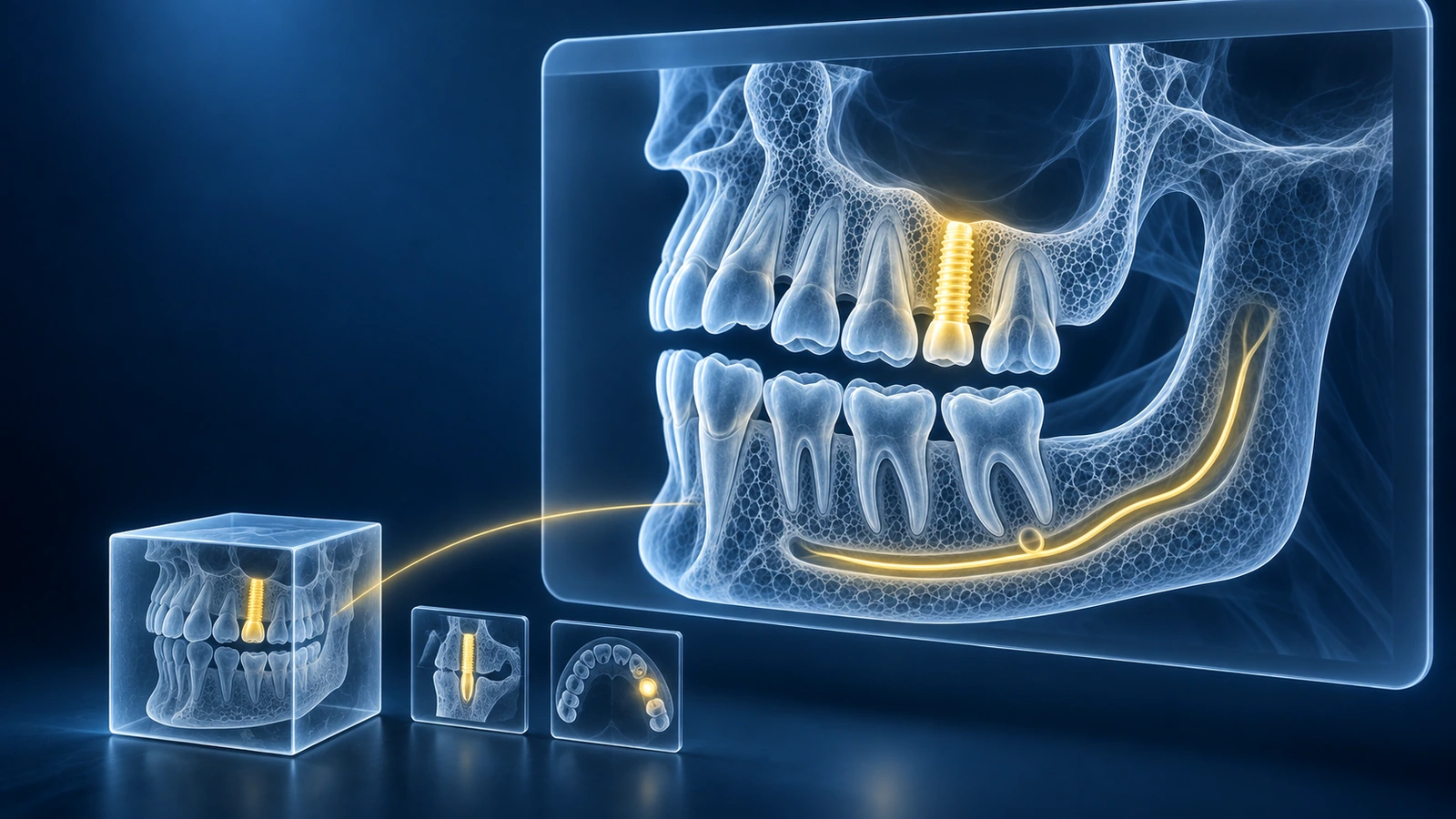
OneVolume is a proprietary CBCT export format used by Carestream's OneVolume export tool and by some dental practices that received scans before standard DICOM workflows became universal. Instead of individual .dcm slices, OneVolume packages the entire volumetric dataset into a single CT_0.vol container alongside companion JSON and metadata files. Because CT_0.vol is not a DICOM file, standard DICOM viewers ignore it entirely and display no images. For a general guide covering all dental scanners, see How to Open a Dental CBCT File.
What OneVolume produces
When a dental clinic exports your scan through the OneVolume workflow, you receive a folder — not a collection of .dcm files. Inside that folder you will find CT_0.vol, the primary volume container that holds all OneVolume slice data in a proprietary binary layout. Alongside it are companion JSON configuration files and metadata descriptors that tell the OneVolume viewer how to interpret the volume. Some exports also include additional preview JPEGs — small low-resolution snapshots for a quick visual check. These are not the diagnostic images. The CT_0.vol file is what carries the full OneVolume dataset.
Drag the folder into the viewer (no conversion needed)
Our browser viewer reads the OneVolume CT_0.vol container directly — no conversion to DICOM is required. The important step is to drop the entire OneVolume folder, not just the CT_0.vol file on its own. The companion JSON and metadata files in the same directory give the viewer the orientation, voxel spacing, and reconstruction parameters it needs to display the volume correctly. Once you drop the full OneVolume folder onto the viewer page, your scan loads in seconds entirely inside your browser.
What to do if you only have the .vol file
If you were given only the CT_0.vol file without the rest of the OneVolume folder, the best path is to go back to the clinic or imaging center and ask for a re-export of the complete OneVolume folder. The CT_0.vol file alone may still load in some cases — our viewer will attempt to parse it using default parameters — but the companion metadata files ensure correct voxel spacing and orientation. Without them the reconstructed volume may appear distorted or scaled incorrectly. Always request the full OneVolume export package from the source.
Why standard DICOM viewers can't open it
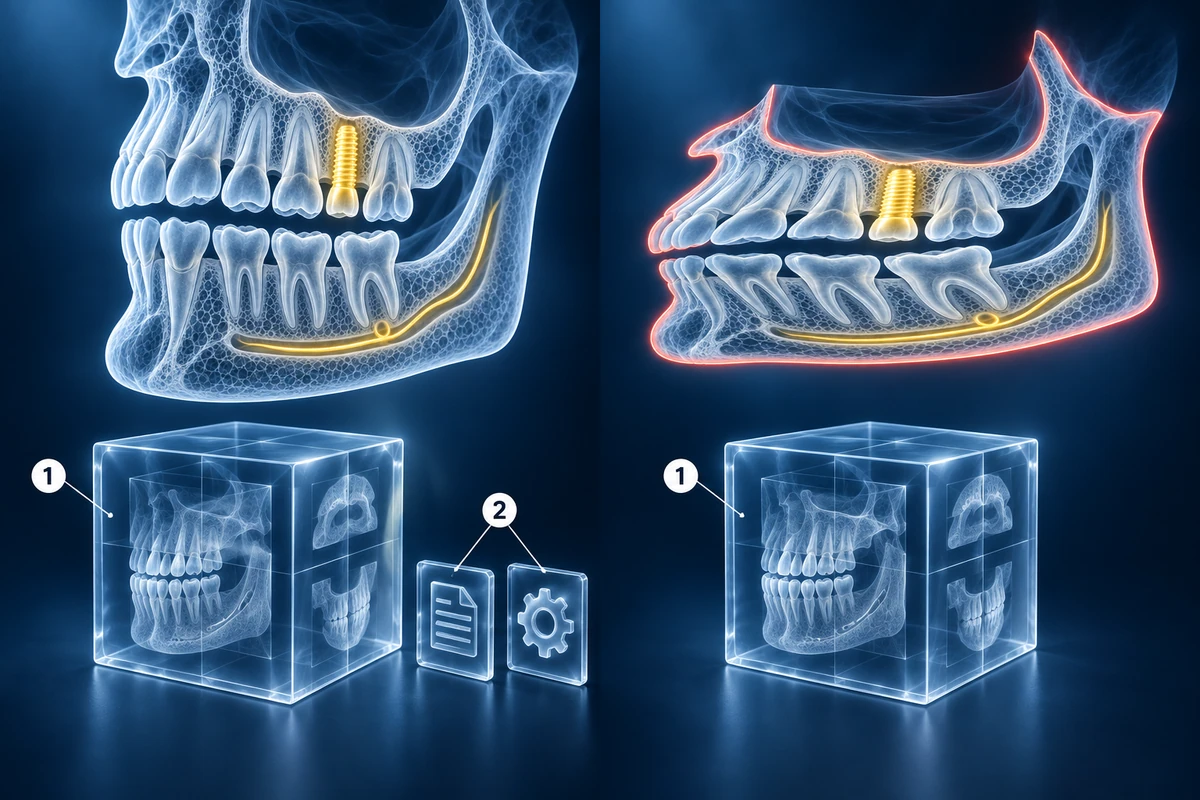
Standard DICOM viewers — including most bundled CD_Viewer tools — expect files that begin with a DICOM preamble and contain DICOM data elements. CT_0.vol uses a proprietary binary container format that does not follow the DICOM standard. When a standard viewer scans the OneVolume folder looking for recognizable DICOM tags, it finds none and either shows an empty file list or throws an unsupported format error. Our viewer includes a dedicated OneVolume decoder that understands the CT_0.vol binary layout, which is why it can open the export without any intermediate conversion step.
If your scan still won't open, check the supported formats list for the full set of containers and transfer syntaxes our viewer handles.
Key Takeaways
- CT_0.vol is a proprietary OneVolume container — not a DICOM file — so standard DICOM viewers display nothing when you open a OneVolume export folder
- Always drop the entire OneVolume folder into the viewer, not just the CT_0.vol file; companion JSON and metadata files are required for correct orientation and voxel spacing
- Our browser viewer includes a dedicated OneVolume CT_0.vol decoder — no conversion to DICOM is needed before opening
- If you only received the .vol file without the full OneVolume folder, request a complete re-export from the clinic or imaging center
Frequently Asked Questions
Is CT_0.vol a DICOM file?
No. CT_0.vol is a proprietary OneVolume container format. It does not carry a DICOM preamble or DICOM data elements, which is why standard DICOM viewers cannot open it. Our viewer has a dedicated OneVolume decoder that reads CT_0.vol directly without requiring any DICOM conversion.
What software did my dentist use to create this?
The CT_0.vol format is associated with Carestream's OneVolume export tool, used on Carestream CS 9000 and similar scanner models. Some practices exported scans in the OneVolume format before standardising on DICOM workflows. If you are unsure which scanner produced your scan, ask the clinic for the scanner model name — that information determines the best way to open the file.
Can I convert OneVolume to standard DICOM?
Yes, but the easiest path is to open the OneVolume export directly in our viewer without converting. If you need a standard DICOM copy — for example, to send to another clinic using DICOM-only software — ask the originating clinic to re-export the scan as a standard DICOM series from the acquisition workstation. Workstation-level DICOM export produces per-slice .dcm files that every DICOM viewer can open.
Related Articles
Stuck with a dental CBCT CD or USB you can't open? Step-by-step guide for Mac, Windows, iPhone, and Android. No software install. Covers every major dental scanner.
Learn how to understand dental CBCT views, slices, MPR planes, tooth roots, jawbone, sinuses, mandibular canal, and common report terms.
Related Conditions
Ready to analyze your imaging? Upload your MRI or X-ray for AI-powered analysis
Upload your MRI or X-ray DICOM files for private, AI-powered analysis. 4 models analyze independently — raw scan files stay in your browser.
Start AnalysisMedical Disclaimer: This page is for informational and educational purposes only. It does not constitute medical advice, diagnosis, or treatment. AI-generated analysis may contain errors. Always consult a qualified healthcare professional for medical decisions. Full Disclaimer